CREATE MOVING IMAGES FROM A PHOTOGRAPH
HOW TO CHEER WITHOUT PREVIOUS EXPERIENCE AND IN AN EASY WAY
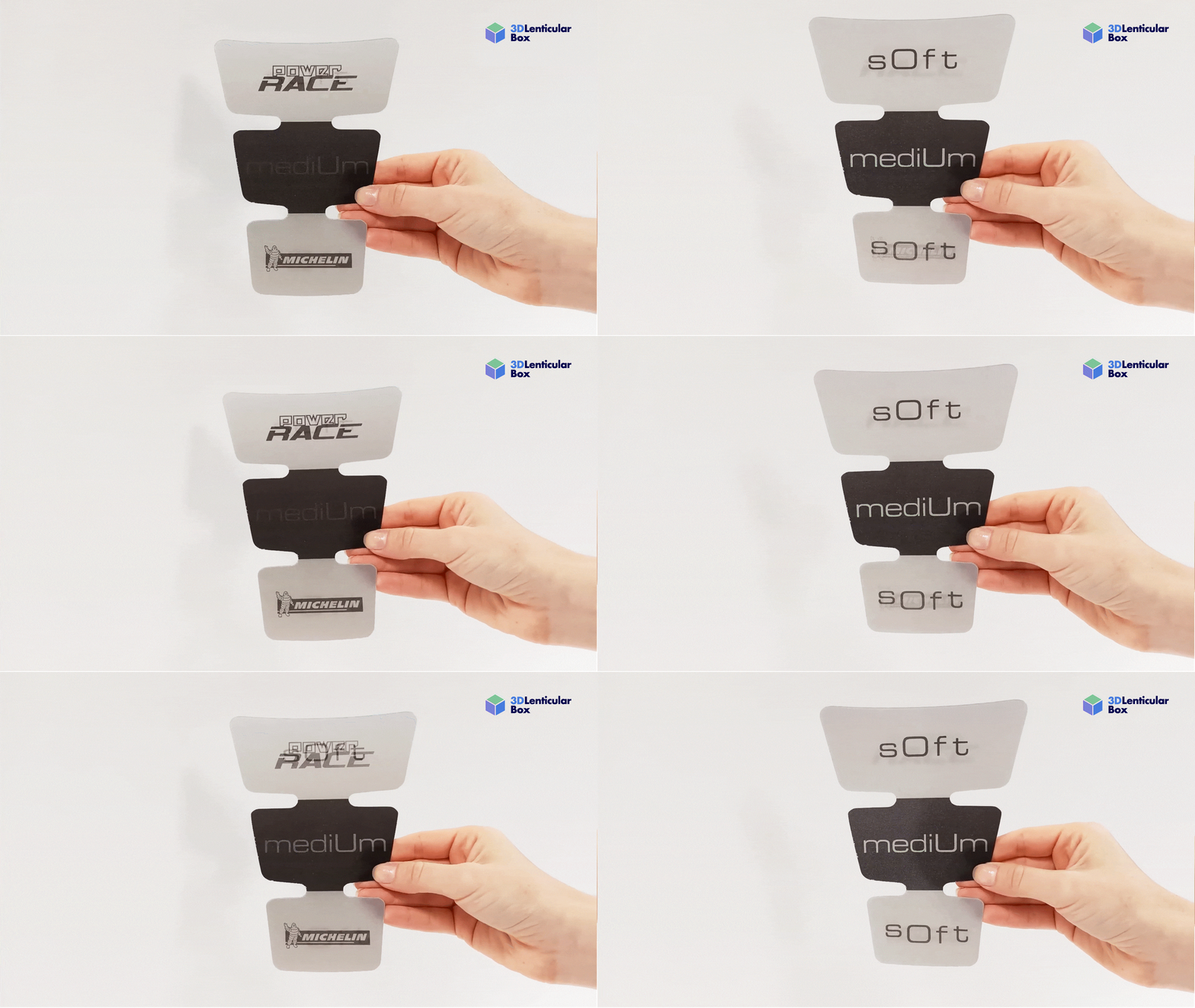
Creating animated images from your photos may seem complicated, but with the right methods and tools, anyone can do it easily and without prior experience. In this article, we will teach you step by step how to create a moving image from a photo, and how to take it even further by creating a custom lenticular with a flip effect directly online.
STEP 1: CHOOSE YOUR PHOTOS
The first step in creating moving images is to select the photos you want to animate. To achieve a flip or lenticular effect, it is best to use two related images, for example:
- Before and after a change
- Two different expressions of the same subject
- Variations of a product or design
Remember that the quality of your images will affect the final result, so choose clear and well-lit photos.
STEP 2: SELECT THE APPROPRIATE PROGRAMME
You don’t need any previous experience or editing skills to animate your photos. At 3D Lenticular Box, we offer you a quick, easy and online option for creating your animation.
- Upload your images easily
- Create animations automatically
- Generate flip or lenticular effects
- View the result before purchasing
This programme is designed with beginners in mind and eliminates complicated steps from professional editing.
STEP 3: UPLOAD YOUR IMAGES AND CUSTOMISE YOUR ANIMATION
With our ‘Create your own custom lenticular’ programme, simply follow these steps:
- Access our online programme. (Click here)
- Upload your two photos.
- Ensure you select the appropriate orientation and size.
The programme will automatically process the images and apply the flip animation effect.
STEP 5: VIEW AND VERIFY
Before purchasing, you can view a real-time recreation of how your animation will look. This is very useful for ensuring that the flip or lenticular effect meets your expectations.
STEP 6: PURCHASE DIRECTLY ONLINE
The great benefit of this type of programme is that you do not need to contact anyone. Once you are satisfied with your animation:
- Check the price of the final product.
- Confirm your purchase
- Receive your personalised lenticular animation without any middlemen
This process combines the creation and acquisition of the product quickly and easily.
